
Guide
How to Set Up CorePass ID & Register on Ping Exchange — The Complete Step-by-Step Guide
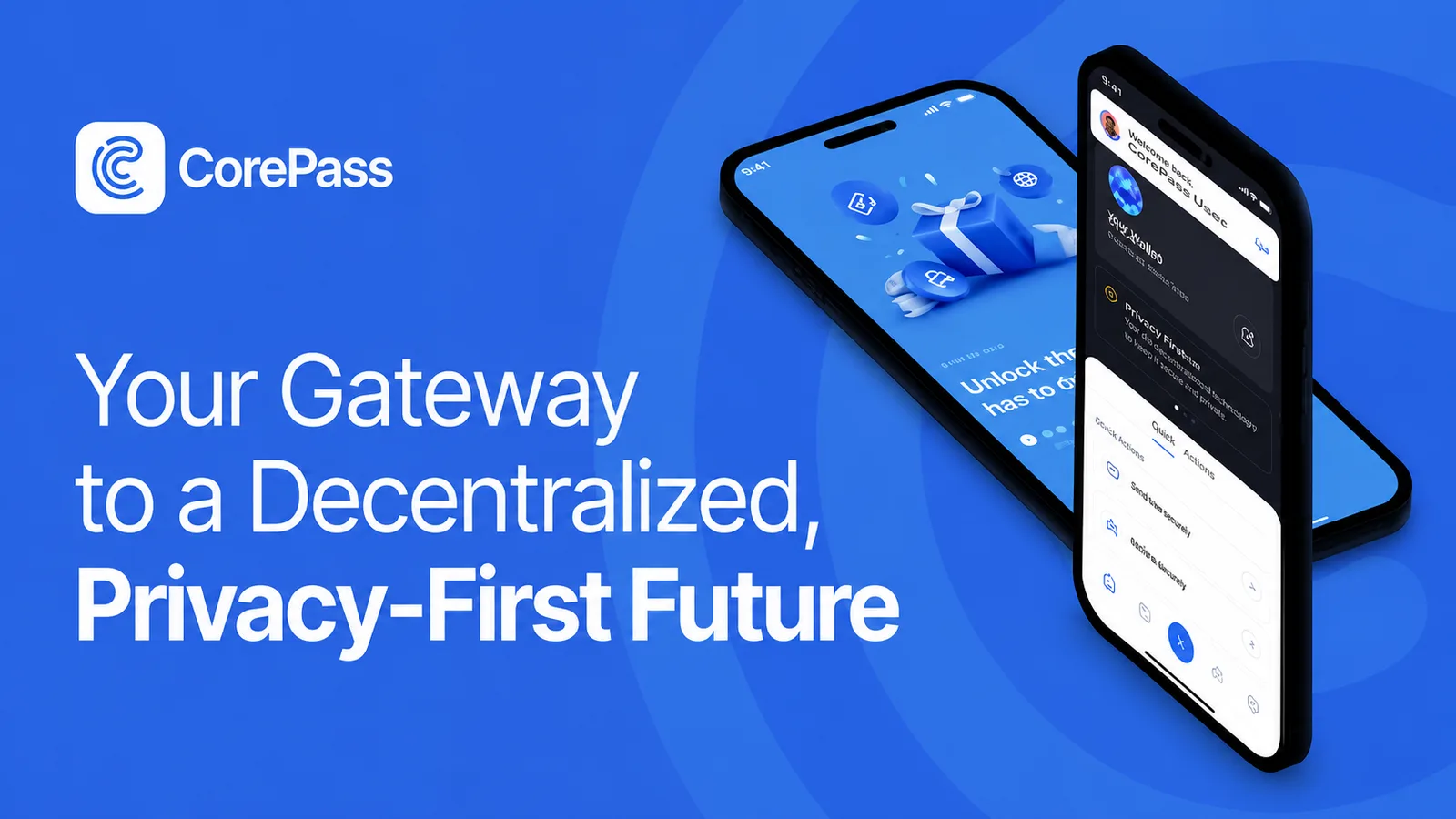
Ping Exchange is no ordinary crypto exchange. Instead of email and password, it relies on CorePass ID — a self-sovereign digital identity built on blockchain technology. The result: no centralized login, no password database, and full data ownership on your side.
This article walks you through the entire setup process — from installing the app to your first login on the exchange.
What You Need Before You Start
Before diving in, make sure you have the following ready:
- A smartphone (Android or iOS)
- A valid government-issued ID (passport, national ID card, or driver's license)
- A recent proof of address (utility bill, bank statement, credit card statement, or tax notice — no older than three months)
- Access to your email address for the confirmation code
- A credit or debit card for purchasing the KYC vouchers (one-time purchase)
- A small budget of Core Token (CTN) and Core Coin (XCB) for the verification process (recommended: approx. 10 CHF in CTN and 2 CHF in XCB)
- Ideally a laptop or PC for the Ping website — the second screen makes scanning QR codes significantly easier
Part 1: Install and Set Up CorePass ID
Download the App
The CorePass ID app is your key to the entire ecosystem. You can find it in the Google Play Store (Android) and the Apple App Store (iOS) by searching for "CorePass ID".
Create an Account (Onboarding)
- Open the app and tap "Create Account".
- Choose an account name and set a secure PIN. Important: this PIN acts as your 25th seed phrase word.
- The app now generates a seed phrase — a sequence of words that serves as the cryptographic key to your account. Write this phrase down by hand, in the exact order shown. Store it offline in a safe place — never as a screenshot or in the cloud.
- Confirm the seed phrase by entering the words the app asks for, in the correct order.
💡 Security note: CorePass uses Edward's ED448 Elliptic Curve Cryptography — currently one of the most secure encryption methods in the world. Your data stays exclusively with you.
Part 2: Complete the KYC Verification
The KYC process (Know Your Customer) is required to access all trading features on Ping Exchange. It runs entirely through the CorePass app.
How the Voucher System Works
CorePass operates on a unique privacy model: your personal data is never simply forwarded to a third party. Instead, you use CTN and XCB — or a credit or debit card — to purchase so-called NFT verification vouchers. These vouchers give you sovereignty over your own data, and you decide when and whether to share it with third parties such as the exchange.
Step 1 — Upload Your ID Document
- Select the document type in the app: passport, national ID card, or driver's license.
- Photograph the front (and back, if applicable) of the document directly with your camera — no screenshots, no scans.
- Make sure all four corners are visible, the document is well-lit, and there are no reflections or shadows obscuring the text.
- The system automatically extracts the data via OCR. Verify the recognized information for accuracy.
Step 2 — Selfie and Liveness Check
Grant the app camera access and follow the on-screen instructions for the liveness check. Make sure your face is fully visible and centered in the frame — adequate lighting is essential.
Step 3 — Upload Proof of Address
Upload a current document confirming your place of residence — for example, a utility bill, bank statement, or tax notice. The document must not be older than three months.
Part 3: Register and Log In on Ping Exchange
First-Time Registration
- Open your browser and go to app.ping.exchange — or use our referral link to save on fees: app.ping.exchange
- Click "Get Started" in the top right — a QR code will appear.
- Open the CorePass app on your smartphone, tap the scan icon, and scan the QR code.
- Back in the browser, you'll now see checkboxes for terms of use and privacy policy. Check all required boxes and click "Accept Terms".
- A data sharing request will appear in the CorePass app. Tap "Continue", then "Agree and Continue" to securely transmit your KYC data. (CTN is required for this step — the amount will be credited back afterwards.)
- Once the data transfer is complete, the "Unlock Trading" button will appear in your browser — scroll down if needed until you see "Agree and Sign".
- Confirm the signature once more in the CorePass app.
- Click "Start Trading" in the browser — and you're all set.
📌 Note: Your account may show a "pending" status right after registration. This is normal — a compliance officer reviews your submitted documents before full trading access is granted.
Logging In — As Simple As It Gets
From desktop: Click "Login" and scan the displayed QR code with the CorePass app. No password required — authentication runs entirely through your decentralized identity.
From mobile (same device as CorePass): If you access Ping Exchange in a mobile browser on the same device where CorePass is installed, the system detects this automatically and prompts the app for authentication — again, no password needed.
Frequently Asked Questions
Why do I need CTN and XCB for verification? These tokens are used to purchase the NFT vouchers that enable data sharing within the CorePass system — while keeping you in control of your own data at all times.
What happens if I lose my seed phrase or PIN? Account recovery requires both your seed phrase and your PIN — remember, the PIN acts as your 25th seed phrase word. If either one is lost, recovery is not possible. Store both safely and offline — for example, written on paper in a sealed envelope.
How long does the KYC review take? The automated check typically runs quickly. The final manual approval by a compliance officer may take some additional time depending on workload.
My document was rejected — what could be the reason? Common causes include blurry or incomplete photos, shadows on the document, or a document that has already expired.
Conclusion
The CoDeTech ecosystem — with CorePass and Ping Exchange — takes a fundamentally different approach from traditional exchanges: your identity belongs to you, not to a central platform. Getting started requires a few more steps than a classic email account, but the result is a significantly more secure and privacy-respecting trading experience.
With this guide, the setup should go smoothly. Good luck and welcome to the ecosystem!
Resources & Further Help
🌐 Ping Exchange: app.ping.exchange
🎓 Ping Explore: Tutorials "How to Get Started with CorePass" and "How to Register on Ping Exchange" — pingexplore.com